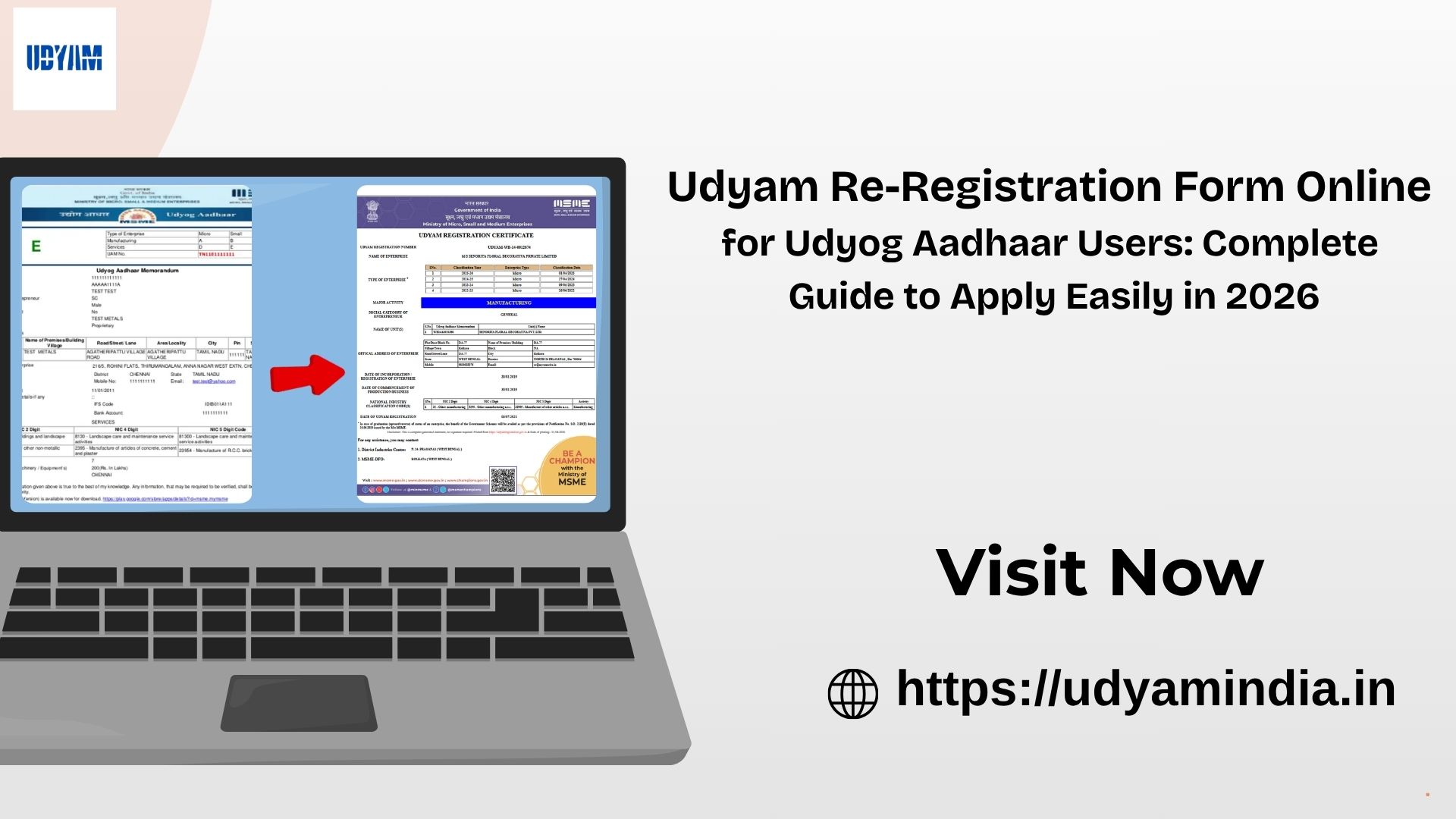
If you are still using an old Udyog Aadhaar Memorandum (UAM) and have not migrated to the Udyam Registration Portal, now is the right time to complete filing the Udyam Re-Registration Form Online. The Government of India introduced the Udyam Registration Portal to provide businesses with faster access to government schemes, bank loans, subsidies, and other benefits.
In this article, we will provide a complete guide on an easy and simple way that you can re-register your MSME without any confusion.
What is Udyam Re-Registration?
Udyam Re-registration is the process for existing MSMEs. Earlier, many business owners registered under Udyog Aadhaar. The Government of India has launched the Udyam system on July 1, 2020, and the existing businesses have to re-register with this system. The Udyam re-registration process is simple, easy, and completely online.

Udyam re-registration makes sure that your business record is up to date for getting government benefits and msmes schemes
Why Udyog Aadhaar Users Re-Register on the Udyam Portal?
Re-registering is most important for all MSME businesses.
Some important reasons include:
- Continue enjoying MSME benefits
- Access government schemes and subsidies
- Improve eligibility for business loans
- Participate in government tenders
- Maintain updated business records
- Avoid issues while applying for future MSME services
How to Fill the Udyam Re-Registration Form Online
Step 1: Visit the Udyam Registration Portal
Open the official Udyam Registration portal.
Step 2: Select Migration Option
Choose the option UAM Migration to Udyam on the home page for those already registered under the previous Udyog Aadhaar system.
Step 3: Enter Udyog Aadhaar Number
Provide the Udyog Aadhaar Number (UAM) and choose the option for OTP verification, then click on the Validate & Generate OTP button.
Step 4: Verify The OTP
OTP will be sent to the registered mobile number or email address for verification, whichever option you choose.
Step 5:Click on the Migrate Option
After OPT verification is successful, tick the Yes option and click the Migrate option.
Step 6: PAN Verification Process
Enter the type of organisation, PAN card number, and the PAN holder name and date of incorporation. Fill in all the details correctly, then click the PAN Validate button.
Step 7: Enter Business Information
The PAN is successfully verified, and then your new screen opens. Enter your GST and ITR details, investment and turnover details, name, mobile number, email ID, business information, and bank details. Enter all the details correctly.
Step 8: Submit the Application
Last, you will receive an OTP on your registered mobile number; enter the OTP and click on the Final Submit button.
Step 9: Receive Udyam Registration Certificate
Finally, after OTP verification is successful, your Udyam Registration Number is generated instantly. After getting the Udyam Registration number, you can download the Udyam Certificate from the same Udyam Registration portal.
Documents Required for Udyam Re-Registration Form Online
The process is very simple and does not require many documents. You mainly need:
- Aadhaar Number of the business owner
- PAN Card details
- Business information (name, type, address)
- Bank details
- Investment and turnover details
Make sure all document in ready before apply udyam re-registration.
Benefits of Udyam Re-Registration
After completing your Udyam Re-Registration Process, your business can enjoy several advantages.
- Access to Government Schemes
Registered MSMEs can apply for various central and state government schemes designed to promote business growth.
- Easier Bank Loans
Banks and financial institutions often prefer businesses with valid Udyam Registration while processing MSME loans and credit facilities.
- Participation in Government Tenders
Many public procurement opportunities provide benefits and preferences to registered MSMEs.
- Protection Against Delayed Payments
MSMEs registered under the Udyam framework can seek support under regulations that address delayed payments from buyers.
- Subsidies and Incentives
Businesses may become eligible for subsidies related to technology upgrades, quality certification, patent registration, and export promotion.
Common Mistakes to Avoid
Many applicants face delays because of simple mistakes. Avoid these common errors:
- Entering incorrect PAN details
- Using a mobile number not linked with Aadhaar
- Providing wrong turnover information
- Submitting incomplete forms
Always double-check every detail before submitting the application.
Tips for a Smooth Udyam Re-Registration
To complete your application without delays:
- Keep all documents ready before starting
- Use the Aadhaar-linked mobile number
- Use a good Internet connection
- Enter PAN details correctly
- Select the correct NIC Code
- Save a copy of the Udyam Registration Certificate
Note: NIC Code for Udyam Registration PDF
Conclusion
Completing the Udyam Re-Registration Form Online for Udyog Aadhaar Users is an important step for businesses that still register under an old Udyog Aadhaar Registration. Migrating to the Udyam Registration Portal helps keep your business information updated and allows you to continue enjoying various MSME benefits, including easier access to government schemes, financial support, and business opportunities.
The Registration Process is fast, simple, and online to apply. Just follow the simple process guide, and you can easily re-register your MSME without any hassle or problem.