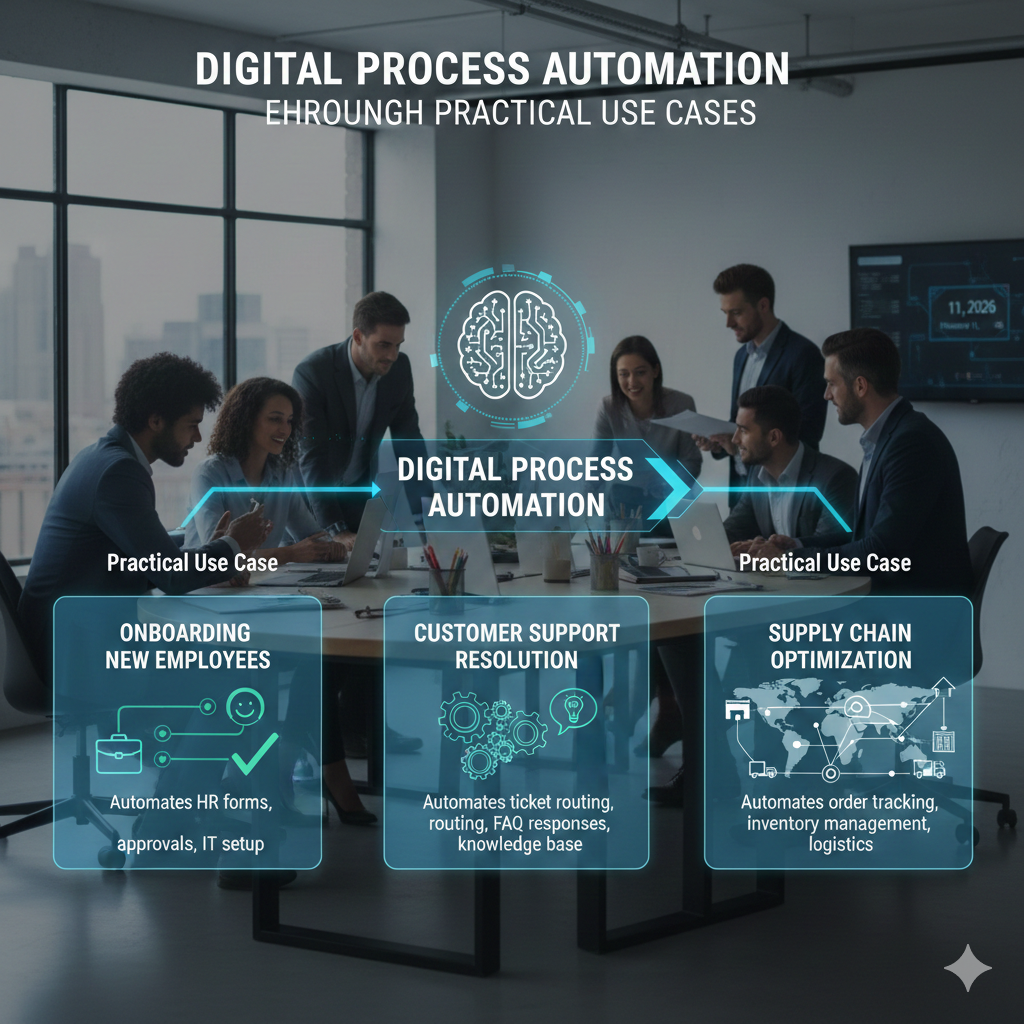
In today’s fast-paced business world, efficiency is king. The traditional ways of handling workflows filled with manual tasks and paperwork simply don’t cut it anymore. That’s where Digital Process Automation (DPA) comes into play. DPA automates routine, time-consuming tasks and processes, allowing businesses to improve efficiency, reduce human error, and free up employees to focus on higher-value work.
But what exactly is Digital Process Automation, and how can it be applied in real-world situations? To answer that, let’s break down DPA through practical use cases from various industries and business functions. By looking at how DPA works in practice, you’ll understand why it’s becoming an essential tool for businesses of all sizes.
What is Digital Process Automation?
Digital Process Automation refers to the use of technology to automate repetitive tasks, business processes, and workflows. It goes beyond simple task automation by incorporating intelligent decision-making capabilities that help streamline operations. Unlike traditional automation tools, which are rule-based, DPA systems are often built using AI, machine learning, and advanced analytics to handle both structured and unstructured data.
The goal of DPA is to make business operations more efficient by reducing the need for manual intervention. It’s about automating tasks that are repetitive, routine, and time-consuming whether it’s data entry, approval processes, or document management.
Invoice Processing in Finance
In finance, invoice processing is one of the most time-consuming tasks, requiring multiple teams to verify, approve, and pay invoices. Traditionally, this process involved manual data entry, cross-checking with purchase orders, and obtaining approvals, all of which were prone to errors and delays.
How DPA Helps: With Digital Process Automation, invoices can be scanned, recognized, and processed automatically. DPA tools use Optical Character Recognition (OCR) to extract relevant data (such as amounts, dates, and vendor information) from invoices. The system then validates the information by cross-referencing it with purchase orders or contracts and routes it to the correct approver.
This automated process speeds up the approval cycle, reduces errors, and ensures compliance with company policies. According to a study by McKinsey, organizations that implement DPA for invoice processing reduce processing time by up to 80%, leading to faster payments and better vendor relationships.
Employee Onboarding in HR
HR departments deal with a large number of repetitive administrative tasks, especially when it comes to onboarding new employees. This process often involves filling out forms, managing training schedules, setting up accounts, and distributing company policies—all of which can take up a lot of time and resources.
How DPA Helps: Digital Process Automation streamlines the entire onboarding process. New hire forms can be automatically filled out using data from previous HR systems or employee records, and tasks like account setup and equipment provisioning can be triggered automatically. DPA also ensures that all compliance training, benefits enrollment, and document submission are completed on time, reducing the chances of missing critical steps.
With DPA, HR teams can focus on more strategic activities like employee engagement and development, while automation takes care of the rest. Companies that use DPA for onboarding report a faster and more accurate onboarding process, improving new employee satisfaction and retention rates.
Customer Support in Service Industries
Customer support is a critical function for many businesses, especially in industries like telecom, banking, and retail. However, managing incoming requests, troubleshooting issues, and providing timely solutions can quickly overwhelm support teams, leading to slow response times and poor customer satisfaction.
How DPA Helps: DPA can automate several aspects of customer support, such as ticket routing, issue categorization, and initial troubleshooting. For instance, when a customer submits a request via email or chat, DPA systems can automatically categorize the issue and route it to the appropriate team or department.
Additionally, DPA systems can provide automated responses to common inquiries, such as billing questions or service status updates. This reduces the workload for support agents and ensures that customers get quicker answers. A report by Forrester found that companies using DPA for customer support saw a 30% reduction in response time and a 25% increase in customer satisfaction.
Document Management in Legal
Legal departments manage vast amounts of paperwork, from contracts to litigation files. The manual process of reviewing, approving, and archiving documents can take a significant amount of time, and it often involves multiple people across different departments.
How DPA Helps: Digital Process Automation helps legal teams by automating the workflow for document management. For example, when a contract is submitted for review, DPA can automatically route the document to the appropriate team member, track edits, and ensure that the document is properly archived once finalized. It can also automate the process of flagging and tracking deadlines for contract renewals or regulatory compliance.
With DPA, legal teams no longer have to rely on manually checking the status of contracts or documents. They can easily track approvals and ensure that deadlines are met without the need for constant follow-ups. This streamlines the process and ensures that important legal documents are always up to date and properly stored.
IT Incident Management in Technology
In IT departments, incident management can be a complex and time-sensitive task. When an issue arisessuch as a server crash, network issue, or security breach—teams need to respond quickly and efficiently to minimize downtime and prevent further problems.
How DPA Helps: DPA can automate the initial steps of incident management, including incident classification, routing, and notifications. When an IT issue is reported, DPA can automatically classify the incident based on severity, route it to the correct technician, and generate notifications for the appropriate stakeholders.
In addition, DPA can automate common troubleshooting steps, such as rebooting systems or running diagnostics, reducing the need for manual intervention. This not only speeds up the response time but also ensures that IT teams can focus on resolving more complex issues rather than handling routine tasks.
Conclusion
Digital Process Automation is not just a buzzword it’s a transformative tool that is being used in real business operations to drive efficiency, accuracy, and speed. From invoice processing in finance to incident management in IT, DPA helps organizations automate routine, repetitive tasks, freeing up employees to focus on higher-value work.
The practical use cases we’ve covered demonstrate just how versatile and impactful DPA can be across industries. Whether you’re looking to improve customer support, streamline HR processes, or enhance document management, DPA offers a proven solution that can help businesses operate more efficiently while reducing costs and human error.
As technology continues to evolve, Digital Process Automation will only become more essential for organizations looking to stay competitive in a fast-moving world. If your business hasn’t yet embraced DPA, now is the time to start exploring how it can revolutionize your operations.