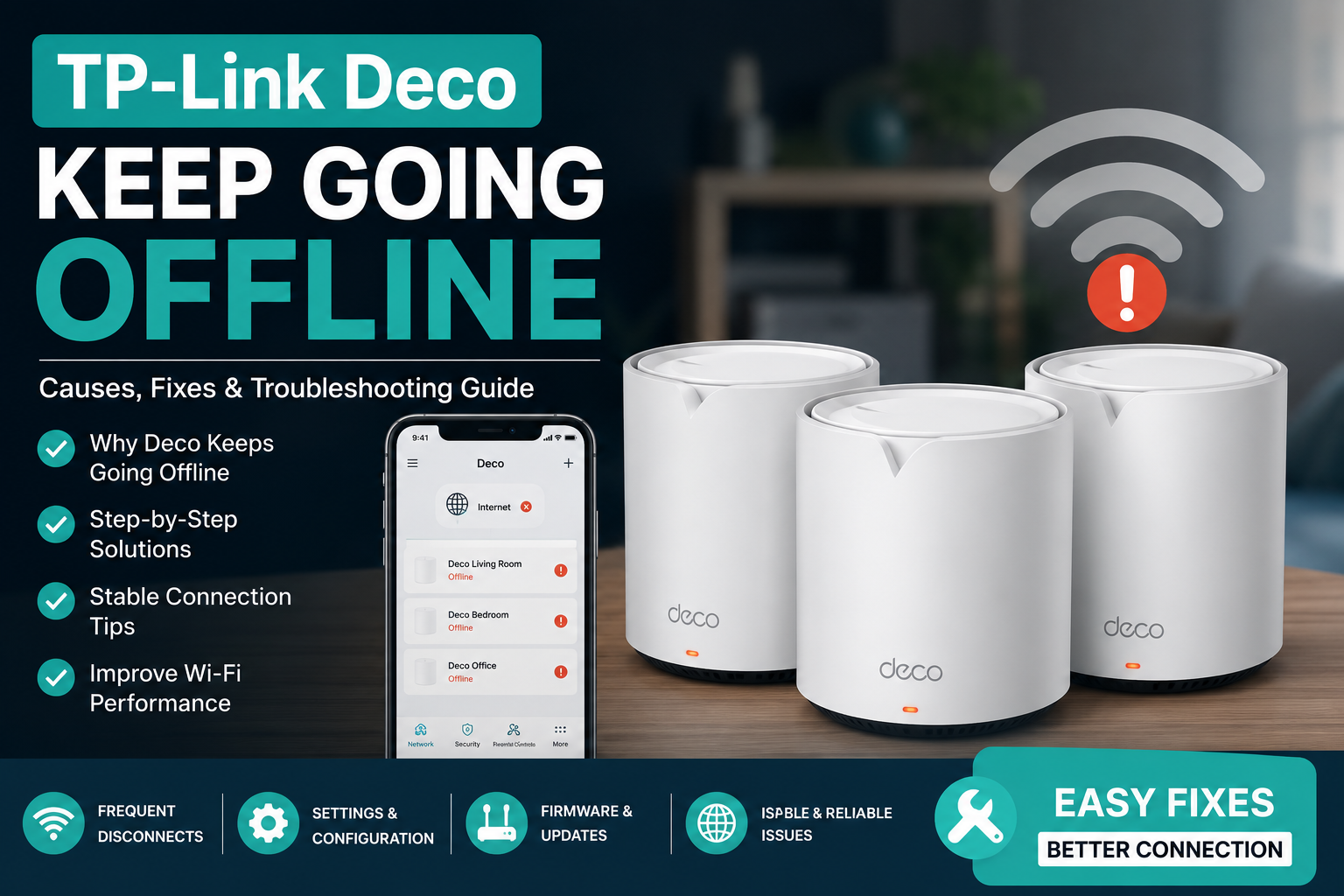
If your Deco Offline then the problem is usually caused by weak internet, outdated firmware, poor placement or incorrect settings. Most problems can be fixed in just a few simple steps without replacing your Deco.
Introduction
Does your Deco Offline deco keeps going offline? It can be quite irritating. Your internet is operational for one minute. Everything disconnects the next minute.

Numerous users encounter the same issue. This article will teach you what causes your Deco Offline problem, why it occurs and how to resolve it step-by-step. We will also discuss some easy ways to prevent the recurrence of your deco keeps going offline issue.
Why Is My TP-Link Deco Not Working Properly?
If your tp-link deco not working, don’t panic. Most of the time, it’s something simple.
Here are the most common reasons.
Poor Internet From Your ISP
- Sometimes your internet provider is the real problem.
- If your modem loses internet, your Deco also shows offline.
- Restart your modem first before changing Deco settings.
Weak WiFi Signal
- If one Deco unit is too far from another, the signal becomes weak.
- This can make the satellite Deco disconnect often.
Old Firmware
- Older firmware may contain bugs.
- Keeping your TP-Link Deco firmware updated improves stability and performance.
Incorrect Network Settings
- Wrong DNS settings, IP conflicts or setup mistakes can also cause connection problems.
How Can I Fix a Deco Offline Issue?
Try these simple fixes one by one.
Restart Everything
Restart:
- Modem
- Main Deco
- Satellite Deco units
Wait a few minutes before checking the connection. This fixes many temporary network issues.
Check Internet Connection
- Connect a laptop straight to the modem.
- If the internet doesn’t work, contact your ISP.
- If it works, the matter is likely with the Deco system.
Update Firmware
- Open the TP-Link Deco app.
- Check if a firmware update is obtainable.
- Install it if needed.
Firmware updates often fix bugs that cause random disconnects.
Move the Deco Units
Don’t place Deco units:
- Behind walls
- Inside cabinets
- Near microwaves
- Close to cordless phones
Place them in open areas for better coverage.
Check All Cables
- Loose Ethernet cables can interrupt the connection.
- Reconnect every cable firmly.
- Replace damaged cables if needed.
What Should I Check Before Resetting My TP-Link Deco?
Your final alternative should be a factory reset.
Prior to resetting, make sure:
- The internet is operational
- The firmware has been updated.
- The Deco app is functional.
- There are cables attached.
- The power adapter works well.
- Deco units are accessible.
When the problem might have been resolved in a matter of minutes, many people reset too soon.
Is It Normal for TP-Link Deco to Go Offline Sometimes?
It’s common to experience a brief disconnect following a firmware update or power loss. Regular disconnections are not. There is probably a hardware or network issue that has to be fixed if your Deco Offline issue occurs multiple times a day.
What Tips Can Prevent TP-Link Deco from Going Offline?
A small amount of maintenance goes a long way. Here are some useful pointers.
- Update the firmware.
- Once every few weeks, restart your network.
- Deco units should be placed in open areas.
- Steer clear of electronic interference.
- Make use of high-quality Ethernet cables.
- Update the Deco app.
- Avoid adding too many pointless gadgets to your network.
- For improved speed, use mesh WiFi optimization.
- Check the stability of your home WiFi network on a regular basis.
Before blaming the Deco, keep an eye out for any drops in your internet connection. These easy routines contribute to the stability of your network.
FAQS
Why does my Deco keep going offline every day?
If your Deco disconnects daily, the problem could be poor internet service, outdated firmware, weak WiFi signal or incorrect network settings. Restart your modem and Deco first. Then update the firmware and check whether the Deco units are placed within the recommended range.
Why is my TP-Link Deco not working after a power outage?
Power outages can interrupt the Deco startup process or affect the modem connection. Restart the modem first, then reboot all Deco units. Wait until every LED becomes stable before checking the internet connection through the TP-Link Deco app.
How do I know if my Deco firmware needs an update?
Open the TP-Link Deco app and check the firmware section. If an update is accessible, install it immediately. Firmware updates improve security, fix software bugs and often solve random disconnects or performance issues.
Should I factory reset my TP-Link Deco?
A factory reset should only be used after trying basic troubleshooting. Restart the network, update firmware, check cables and verify your internet connection first. Resetting removes all settings, so you’ll need to set up the Deco system again.
Can a weak WiFi signal make my Deco go offline?
Yes. If satellite Deco units are placed too far apart or blocked by thick walls, they may lose connection with the main Deco. Moving the units closer together usually improves signal strength and prevents frequent offline issues.

Final Thoughts
It’s not always the case that a Deco Offline problem indicates a malfunctioning equipment. Most of the time, the issue may be swiftly resolved with easy adjustments like restarting your network, updating the firmware, inspecting cables or better Deco positioning. Contact TP-Link support or your internet provider if, despite following these procedures, your deco continues to go offline or if TP-Link deco not working. Your mesh WiFi system, wireless network connection and home internet will all function well with routine maintenance and good network behaviours.